

Tasks & CodeBundles
Tasks are the automated scripts that RunWhen executes in your environment. They are the foundation of both background monitoring (production insights) and interactive troubleshooting (Workspace Chat diagnostics).
Tasks are sourced from CodeCollections — Git repositories containing task definitions written in Python, Bash, SQL, or REST calls. RunWhen maintains a public CodeCollection with hundreds of community-contributed tasks, and you can create your own private collections for custom automation.
How Tasks Work
- The runner in your cluster pulls task definitions from CodeCollections
- The runner deploys worker pods, each built by combining a CodeCollection with the task runtime
- Workers execute tasks — either on a schedule (background monitoring) or on demand (user request via Workspace Chat)
- Results are structured as production insights that assistants can reference, or surfaced as issues when something is wrong
Types of Tasks
| Type | Description |
|---|---|
| Health Checks | Run on a schedule (typically every 30-60 seconds) to monitor resource health, scrape metrics, or run synthetic tests. Results feed production insights and SLI measurements. |
| Diagnostic Tasks | Run on demand to investigate a specific problem. Gather logs, check configurations, query APIs, and produce a structured report. |
| Remediation Tasks | Take corrective action — restarting pods, scaling deployments, updating configurations. These require appropriate permissions and are typically gated by assistant access level. |
Browsing Tasks
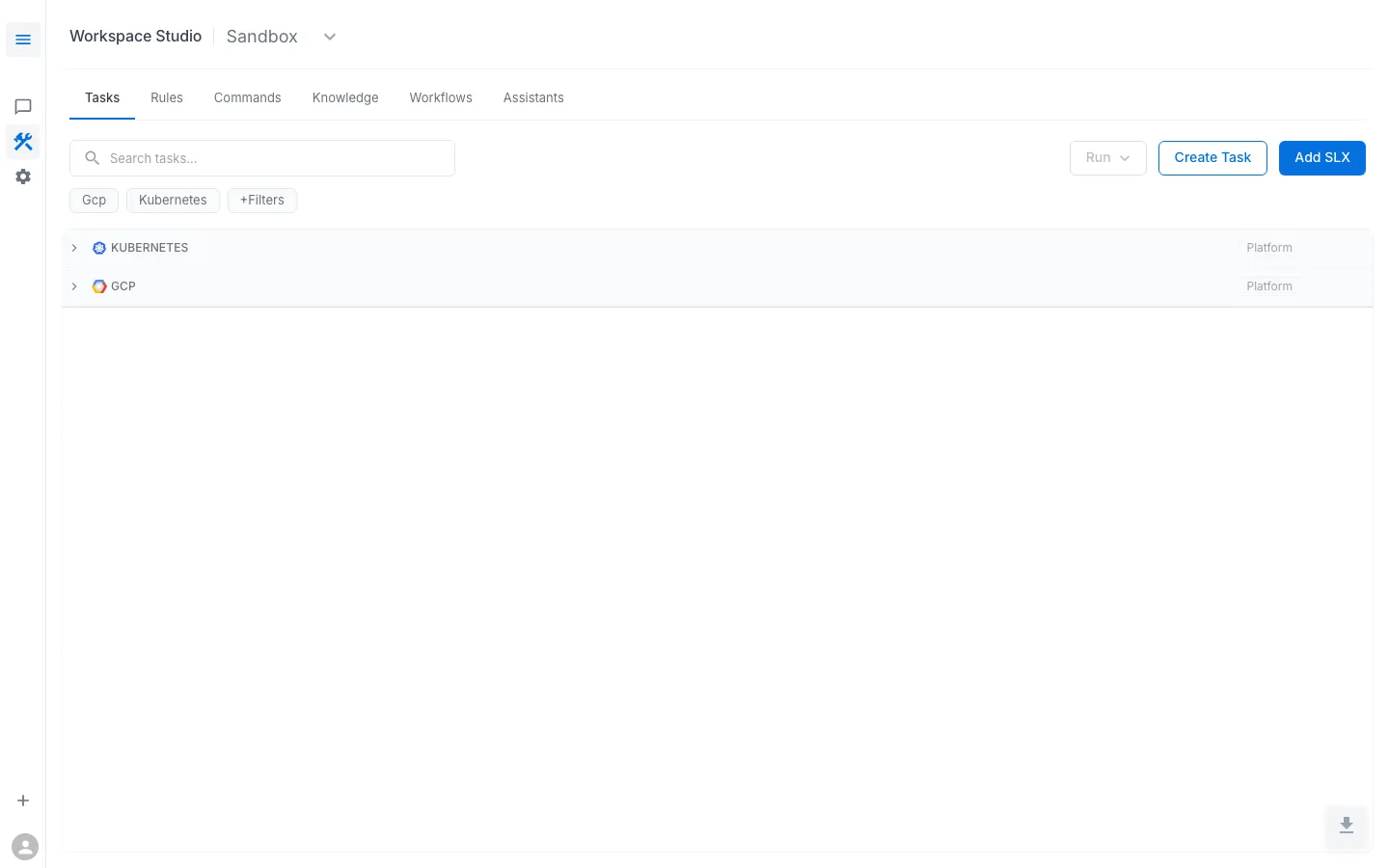
All tasks in your workspace appear under Workspace Studio > Tasks, grouped by platform category (e.g., Kubernetes, GCP).
The Public CodeCollection
RunWhen maintains a public CodeCollection at github.com/runwhen-contrib that covers common platforms:
- Kubernetes — pod health, deployment status, ingress checks, certificate validation, PVC monitoring
- Cloud providers — GCP, AWS resource checks, billing anomalies
- Databases — connection pool health, replication lag
- Networking — DNS resolution, HTTP endpoint monitoring
When RunWhen Local discovers resources in your cluster, it automatically matches them to tasks from the configured CodeCollections and creates SLXs with appropriate task assignments.
Custom CodeCollections
You can author your own CodeCollections for organization-specific tasks:
- Create a Git repository with task definitions following the CodeCollection format
- Register the repository in your runner configuration (
runner.codeCollectionsin the Helm values) - The runner will pull your collection and deploy workers for it alongside the public tasks
Custom tasks have the same capabilities as public tasks — they can be scheduled, run on demand, raise issues, and produce insights.