

SLX Configuration
An SLX (Service Level Expectation) bundles everything the RunWhen Platform needs to monitor, measure, and act on a piece of your infrastructure. Each SLX is defined as a set of Kubernetes Custom Resources that are managed through Git and synced into the platform automatically.
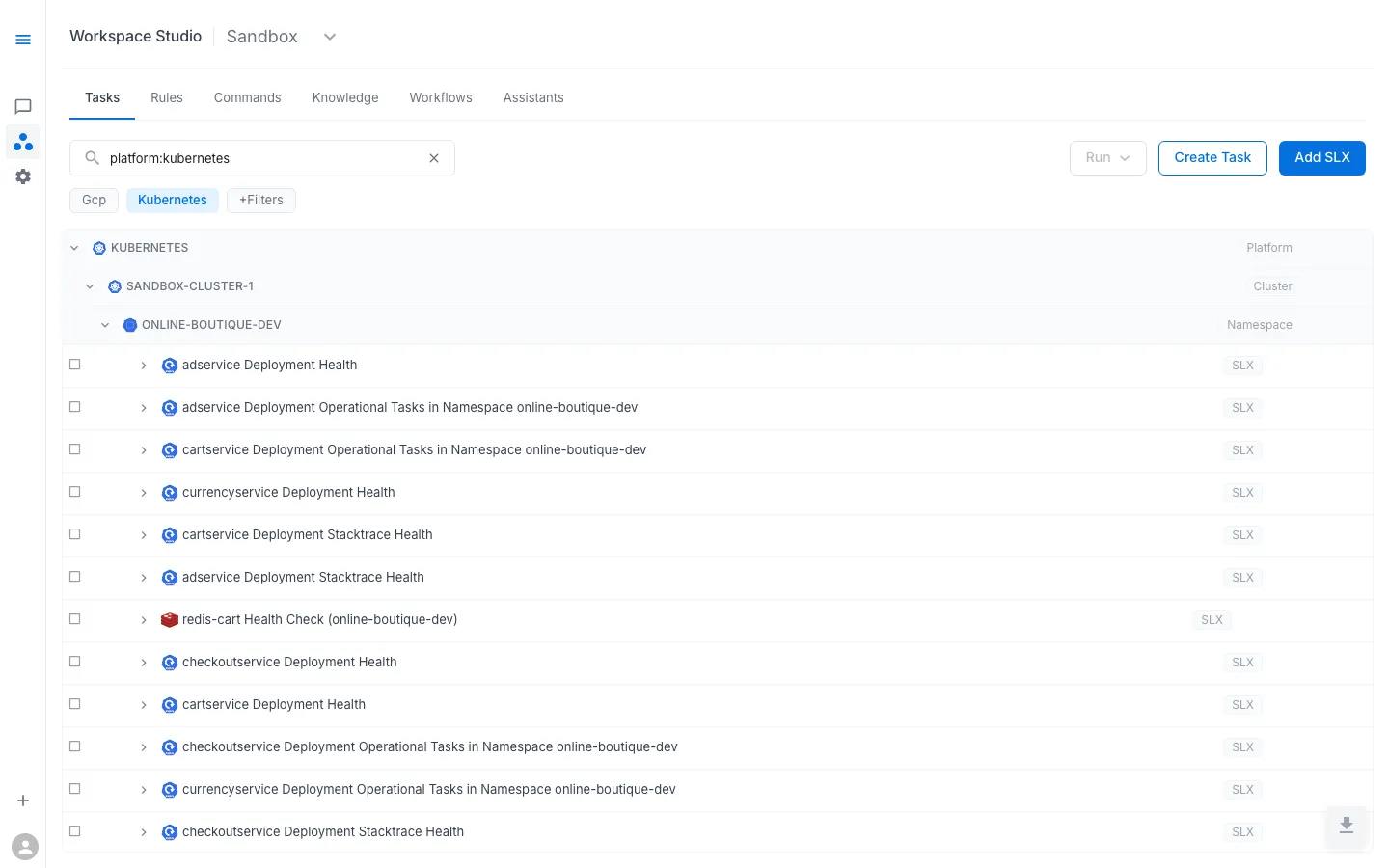
This section covers the configuration reference for each SLX component:
| Component | What It Does | Config Reference |
|---|---|---|
| SLIs (Indicators) | Run scripts on a schedule to measure health — returning a numeric metric that is stored and evaluated for alerting | SLI Configuration |
| SLOs (Objectives) | Define error budgets using multi-window burn-rate alerting against the SLI metric | SLO Configuration |
| Tasks & Runbooks | Diagnostic or remediation scripts that run on demand, on a schedule, or in response to alerts | Task & Runbook Configuration |
How SLX Components Relate
SLX├── SLI → runs on schedule → stores metric for alerting│ ├── spec.alerts → threshold alerts (warning / ticket / page)│ └── spec.alertConfig → auto-runs tasks when metric < 1.0│├── SLO → tracks error budget against the SLI metric│ └── burn-rate alerts (page / ticket)│└── Runbook → contains tasks (Robot Framework) ├── configProvided → environment variables ├── secretsProvided → workspace secrets └── requirements → Python dependenciesConfiguration Lifecycle
SLX components are upserted into the platform through the sync API (the platform is CRD-less — there is no per-workspace Git repo):
- Define — an SLX (codebundle reference + config, secrets, location, schedule) is upserted via
POST /api/v1/workspaces/{workspace}/slxs/sync— from the UI, the MCP Tool Builder (commit_slx), or your own CI - Process — the platform generates alert rules, schedules SLI runs, and resolves CodeBundles
- Serve — configuration is available through the API and UI immediately
The task code referenced by an SLX still lives in a codebundle Git repo (the registry or your own). To manage tasks as code, sync them via the API from CI — see Managing Context as Code (GitOps).
Related Pages
- SLXs (Learn) — conceptual overview of SLXs and how they fit together
- Tasks & CodeBundles — how CodeBundles and task execution work
- Cloud Discovery — automatic SLX generation from discovered resources