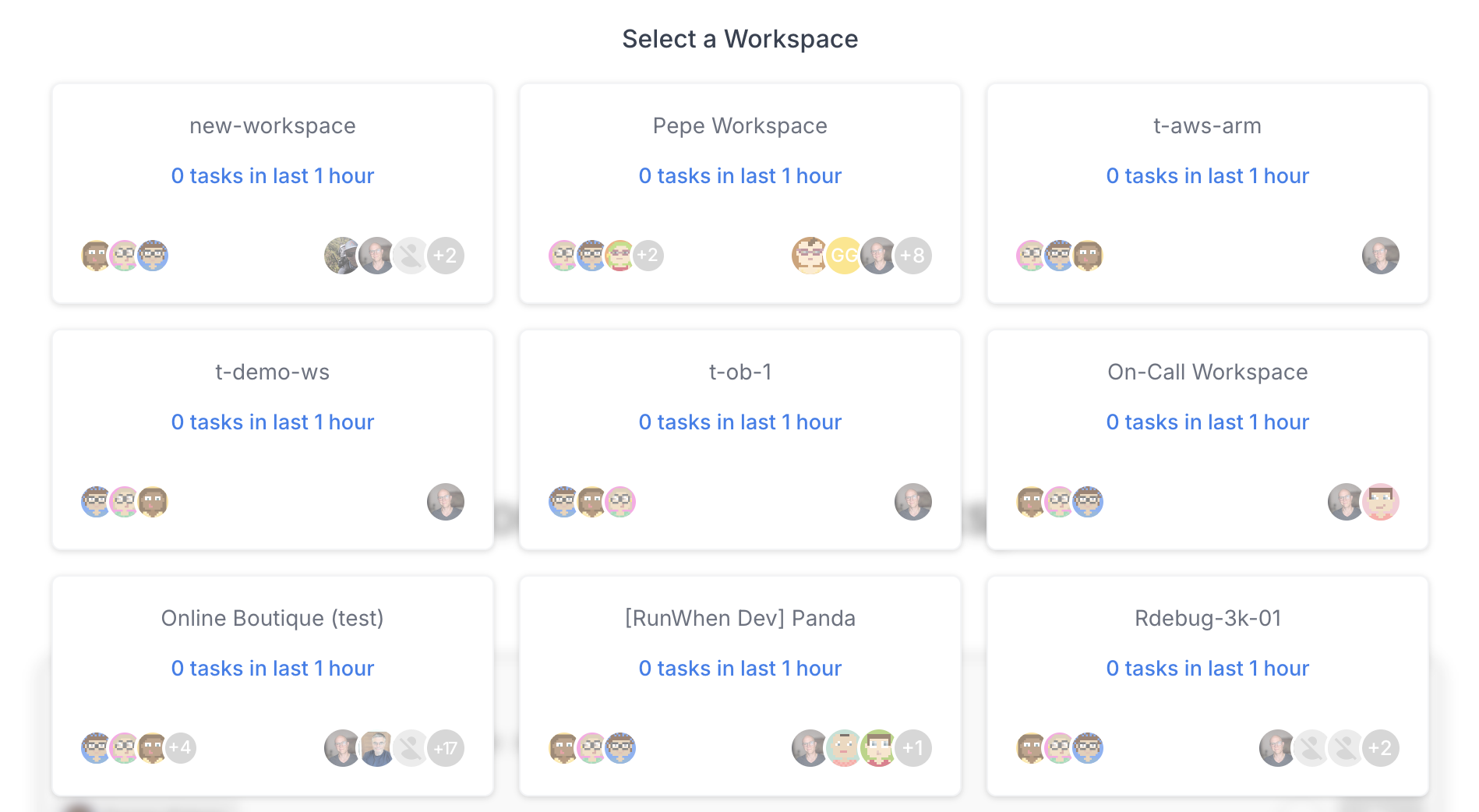
A Workspace is the tenancy boundary in RunWhen. Everything you work with — AI assistants, tasks, rules, commands, secrets, and SLXs — lives inside a workspace.
A workspace typically maps to a team or environment boundary. Common examples:
-
A single product team and its services
-
A platform or SRE team spanning multiple clusters
-
A shared demo or sandbox environment
-
An individual developer’s test environment
Navigating a Workspace
The RunWhen UI organizes each workspace into three main sections, accessible from the left sidebar:
|
Section |
What It Contains |
|---|---|
|
Workspace Chat |
The primary interface. Ask questions in natural language and an AI assistant investigates your environment, runs diagnostic tasks, and returns findings. Suggestion chips at the bottom provide quick-start prompts. |
|
Workspace Studio |
Where you configure and manage operational automation:
|
|
Workspace Configuration |
Administrative settings:
|
Workspace Chat
When you open a workspace you land on Workspace Chat. The interface shows:
-
The workspace name and a summary of how many assistants and tasks are active
-
A chat input where you type questions in plain English
-
The currently selected assistant (e.g., “Dev Danica”)
-
Suggestion chips with common questions about your environment
Switching Workspaces
If you belong to multiple workspaces, click the workspace name in the top-left corner to open the workspace selector. From here you can switch to a different workspace or view all workspaces available to you.
What Lives in a Workspace
All of the following are scoped to (and isolated within) a single workspace:
-
AI Assistants — each with their own personality, permissions, and thresholds
-
Tasks & SLXs — the diagnostic and remediation automation
-
Rules — behavioral guidelines for assistants
-
Commands — reusable multi-step procedures
-
Secrets — credentials for connecting to infrastructure and services
-
Users & RBAC — who can see and do what
-
Workflows — notification and integration pipelines
Data does not cross workspace boundaries. An assistant in one workspace cannot see or act on resources in another.