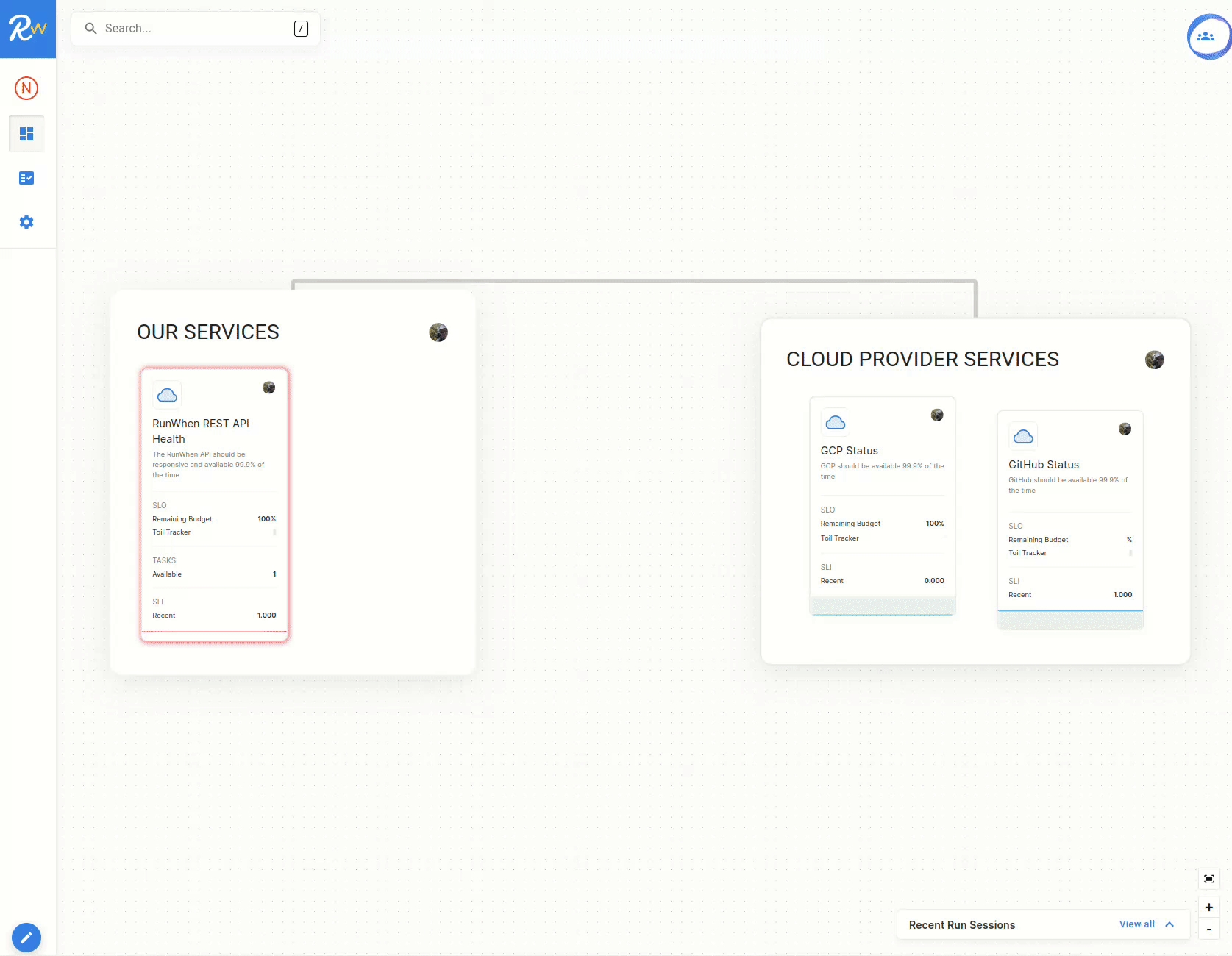
For the purposes of these steps, all SLXs focus on codebundles that interact with public resources and don't require authentication. Feel free to use any codebundle that is of interest.
With the first SLX created, the following steps will help to build a more useable workspace:
-
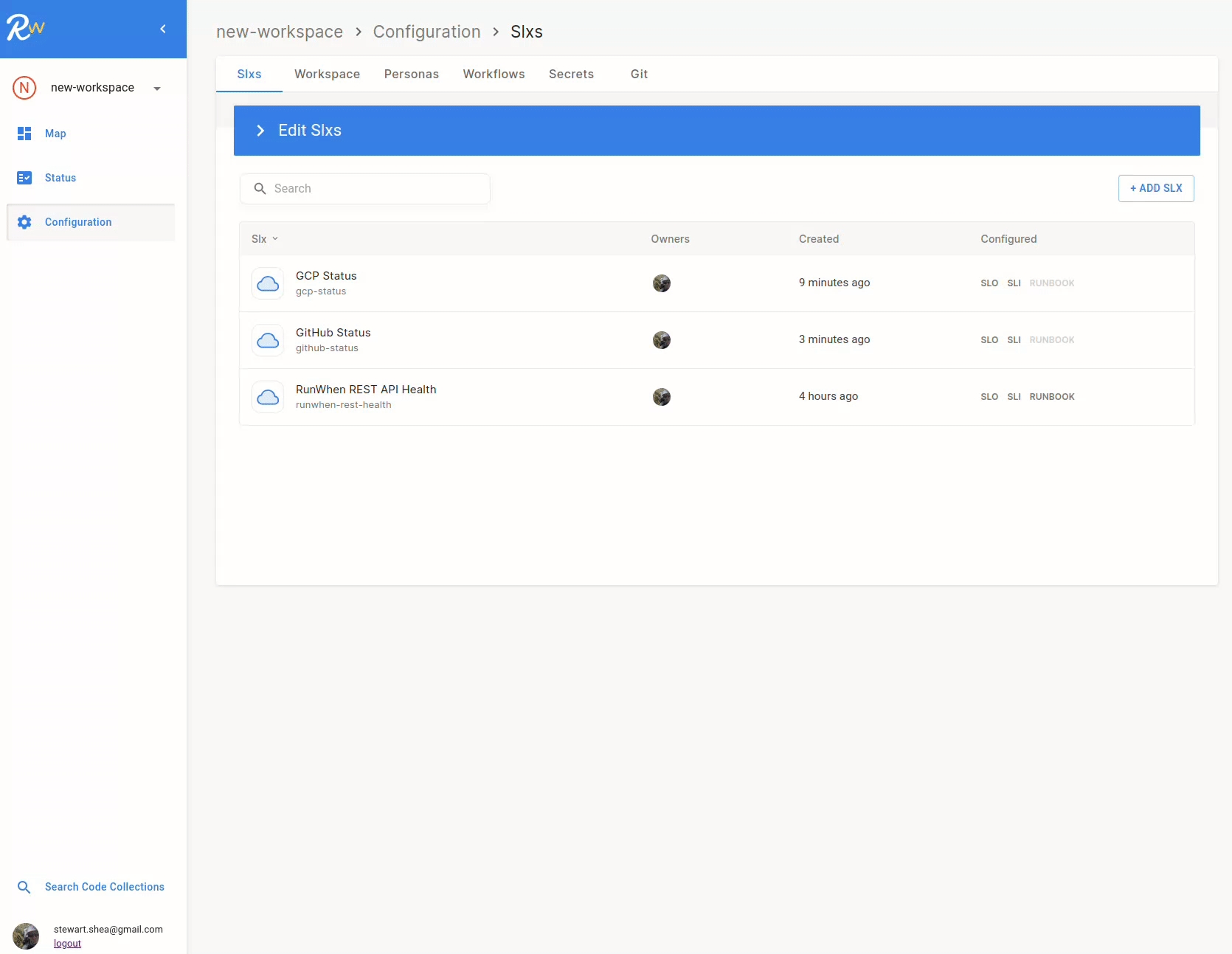
Add an SLX that monitors Google Cloud Platform service disruptions
-
Add an SLX that monitors GitHub for service disruptions
-
Edit the map, create groups, and add a dependency between groups
-
Add a workflow to send notifications when an SLO Alert is firing
The following sections will provide example screnshots, but feel free to tailor them to your own needs.
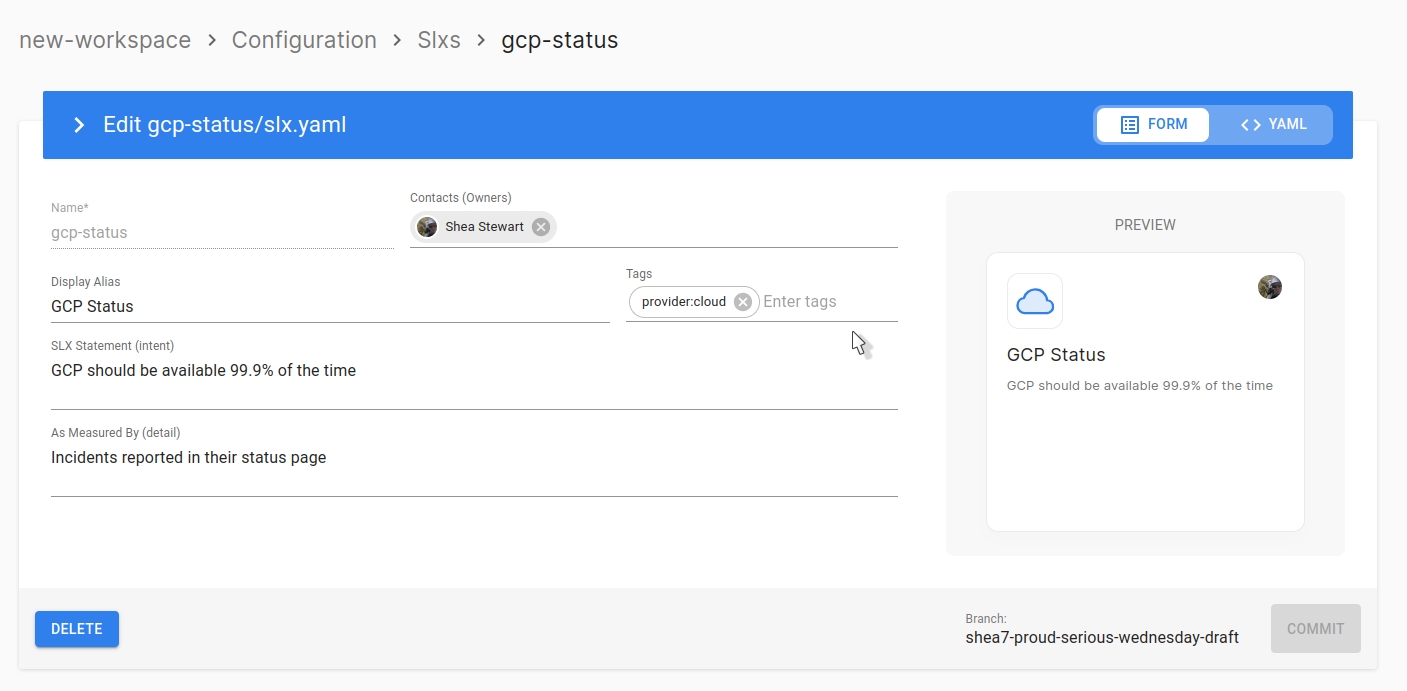
Add SLX: Add Google Cloud Platform Status
-
Basic SLX Configuration
-
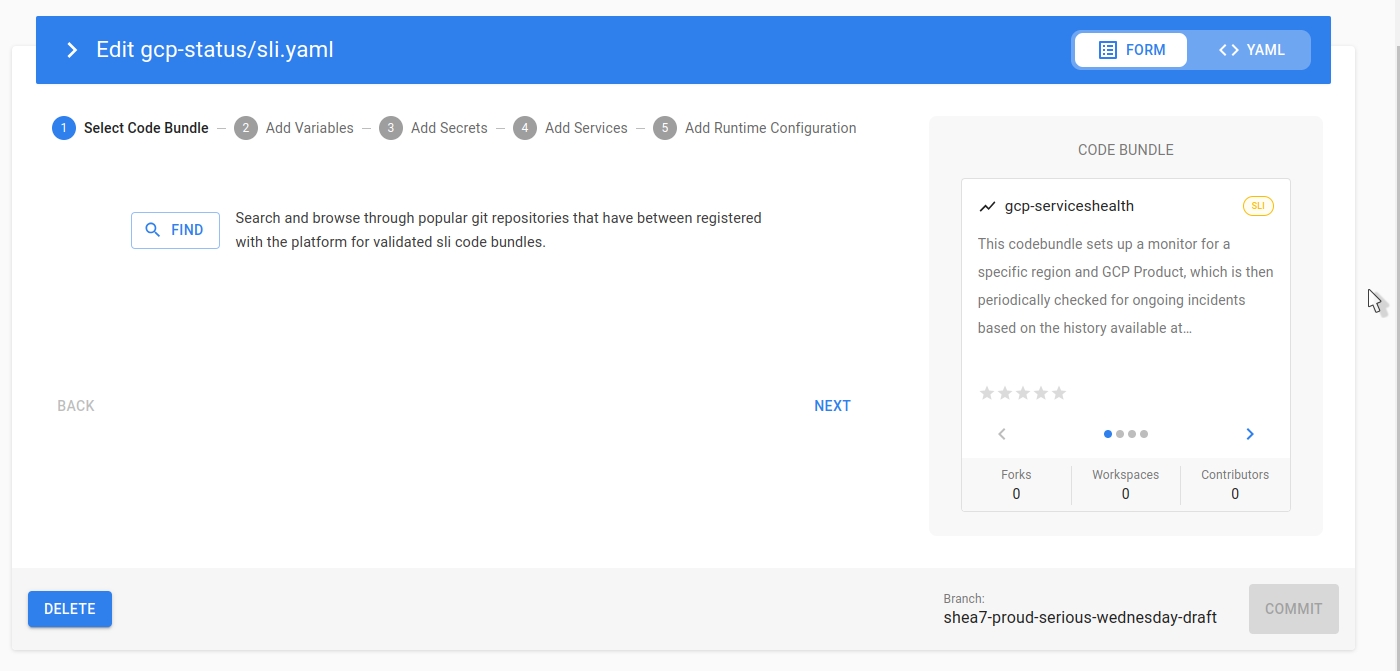
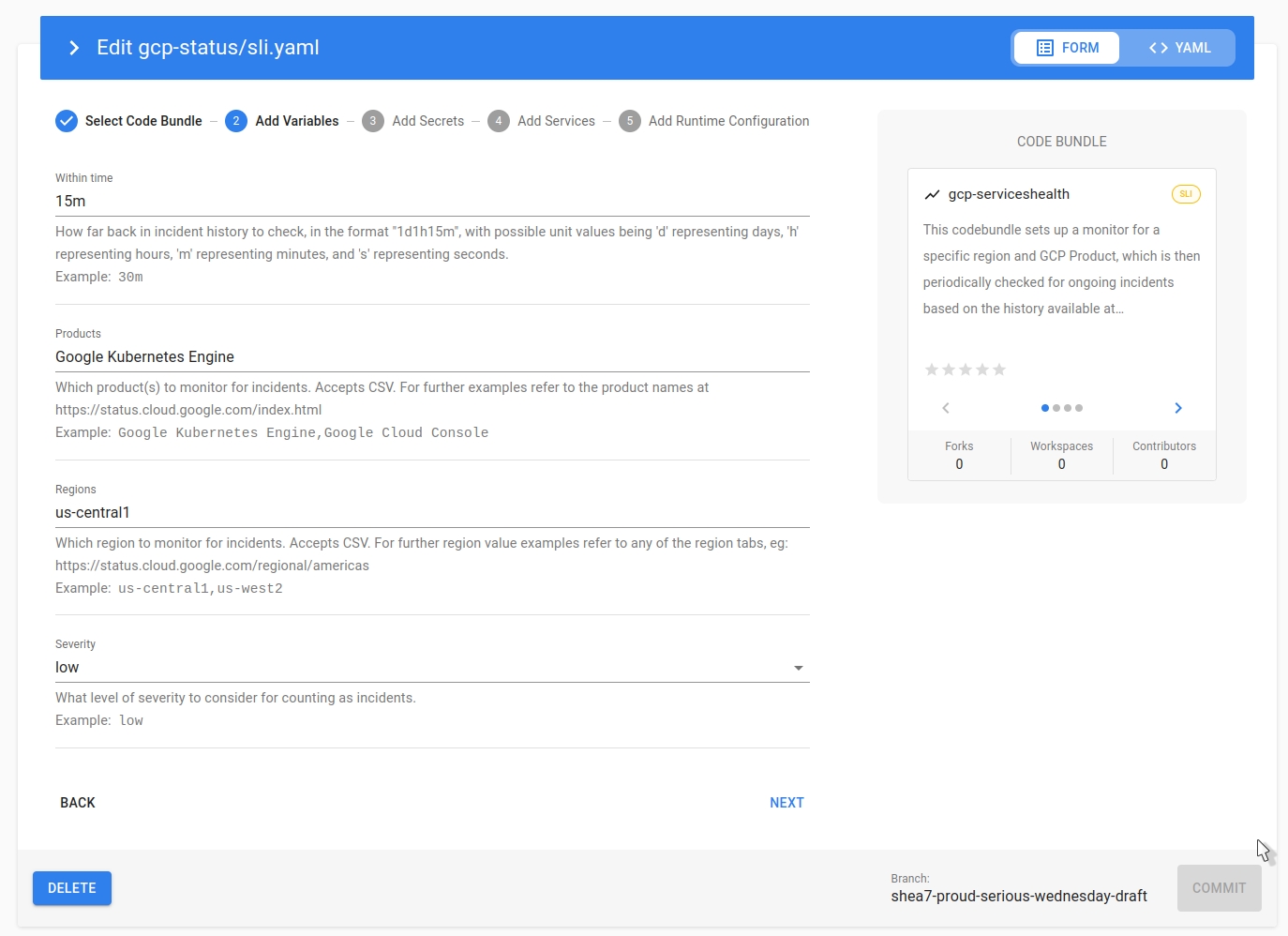
SLI Configuration
-
SLO Configuration
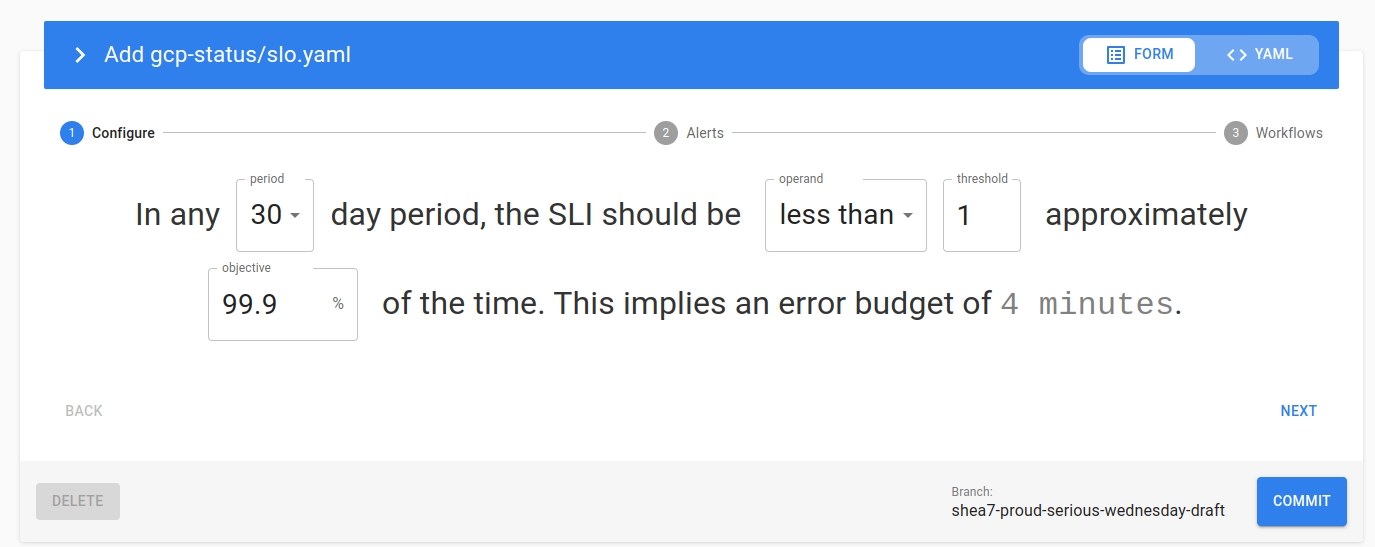
Add SLX: Add GitHub Platform Status
-
Basic SLX Configuration
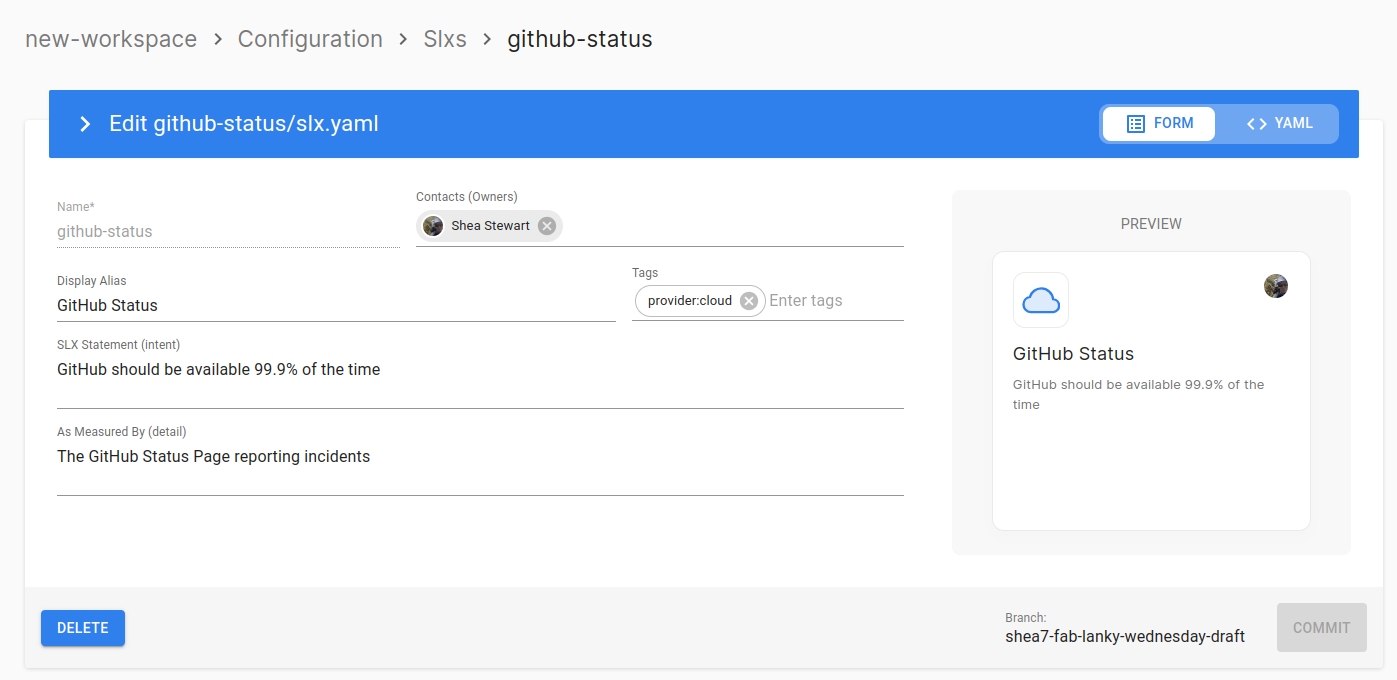
-
SLI Configuration
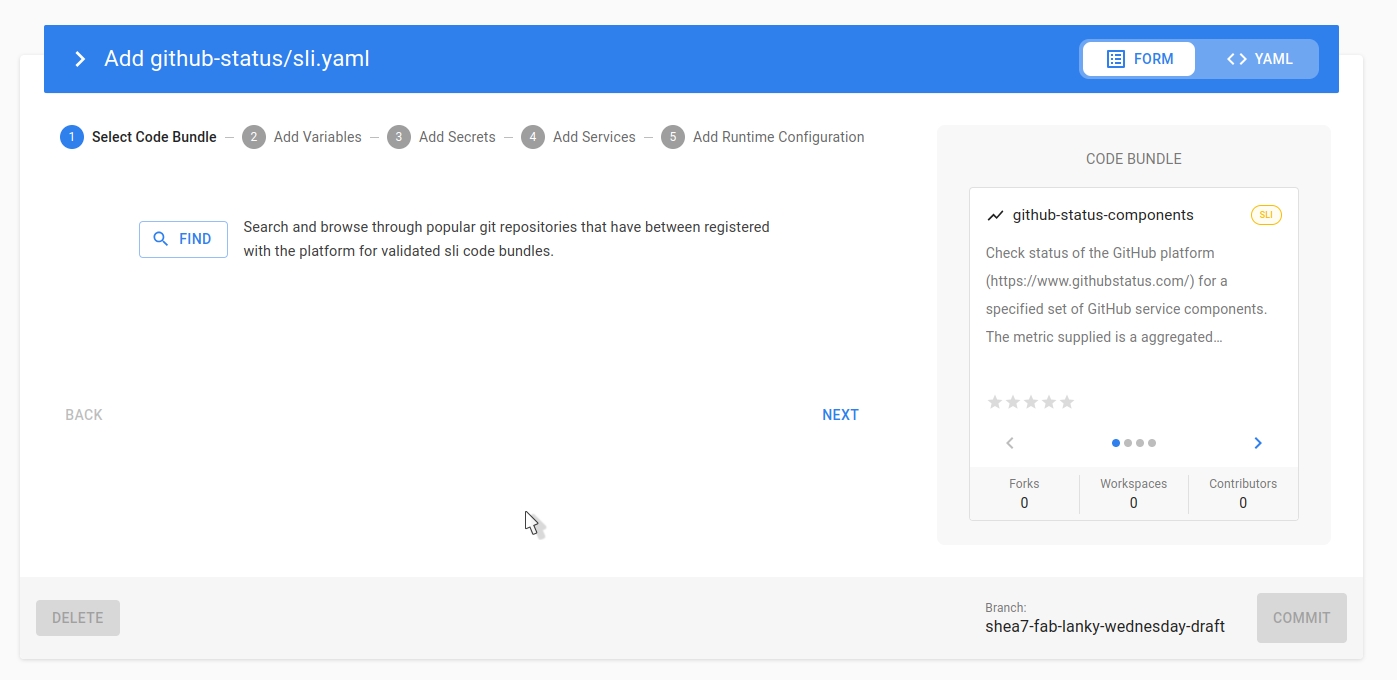
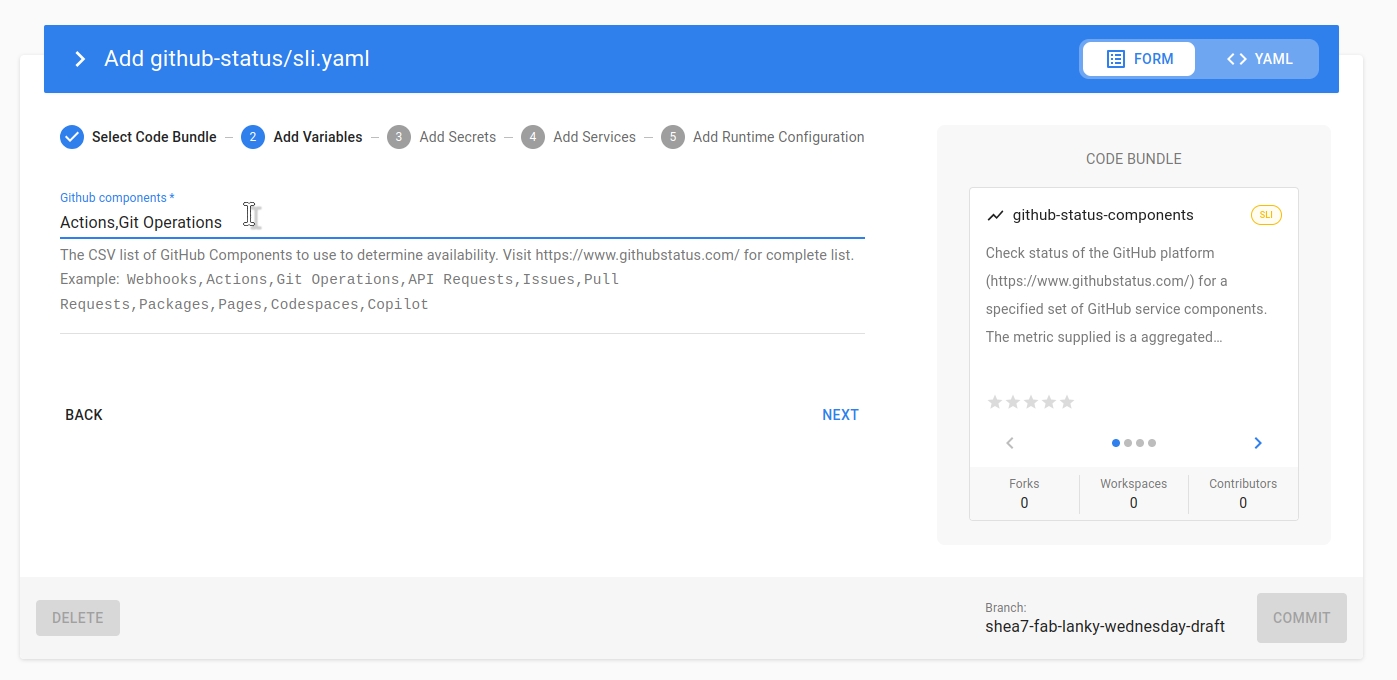
-
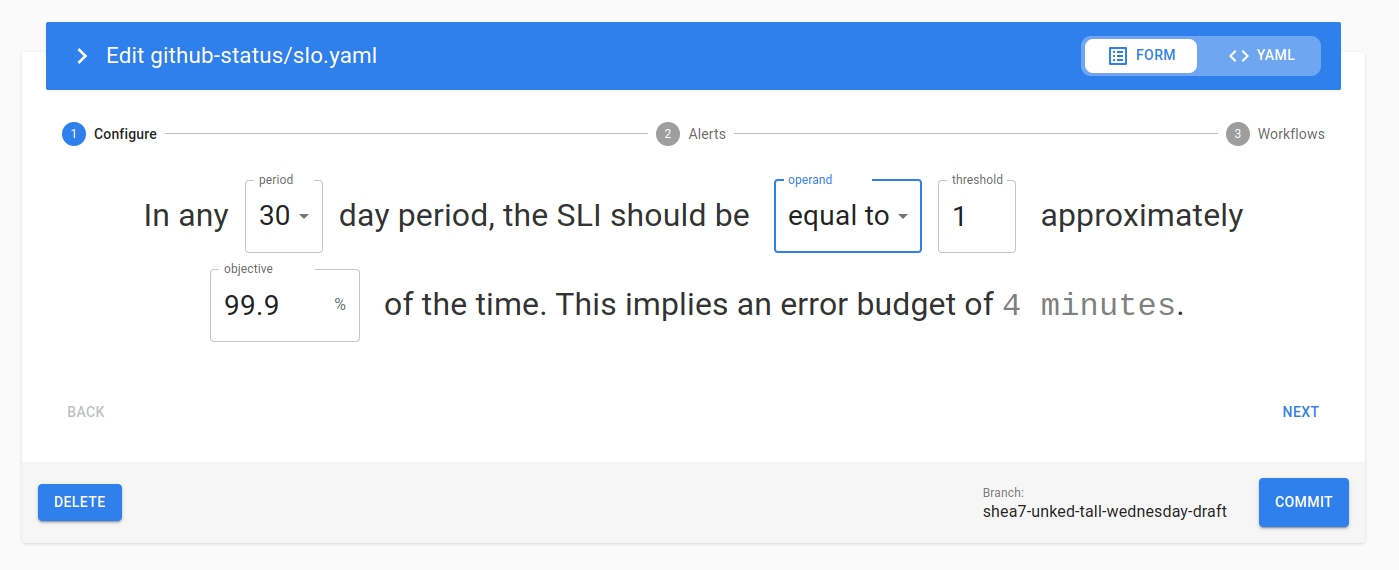
SLO Configuration
Edit Map: Create Groups and Dependencies
With the new SLXs in place, navigate to the map and adjust the layout:
Add Workflow: Send Notification on SLO Alerts
Add a simple workflow that will send a notifcation to slack when any SLO is alerting: