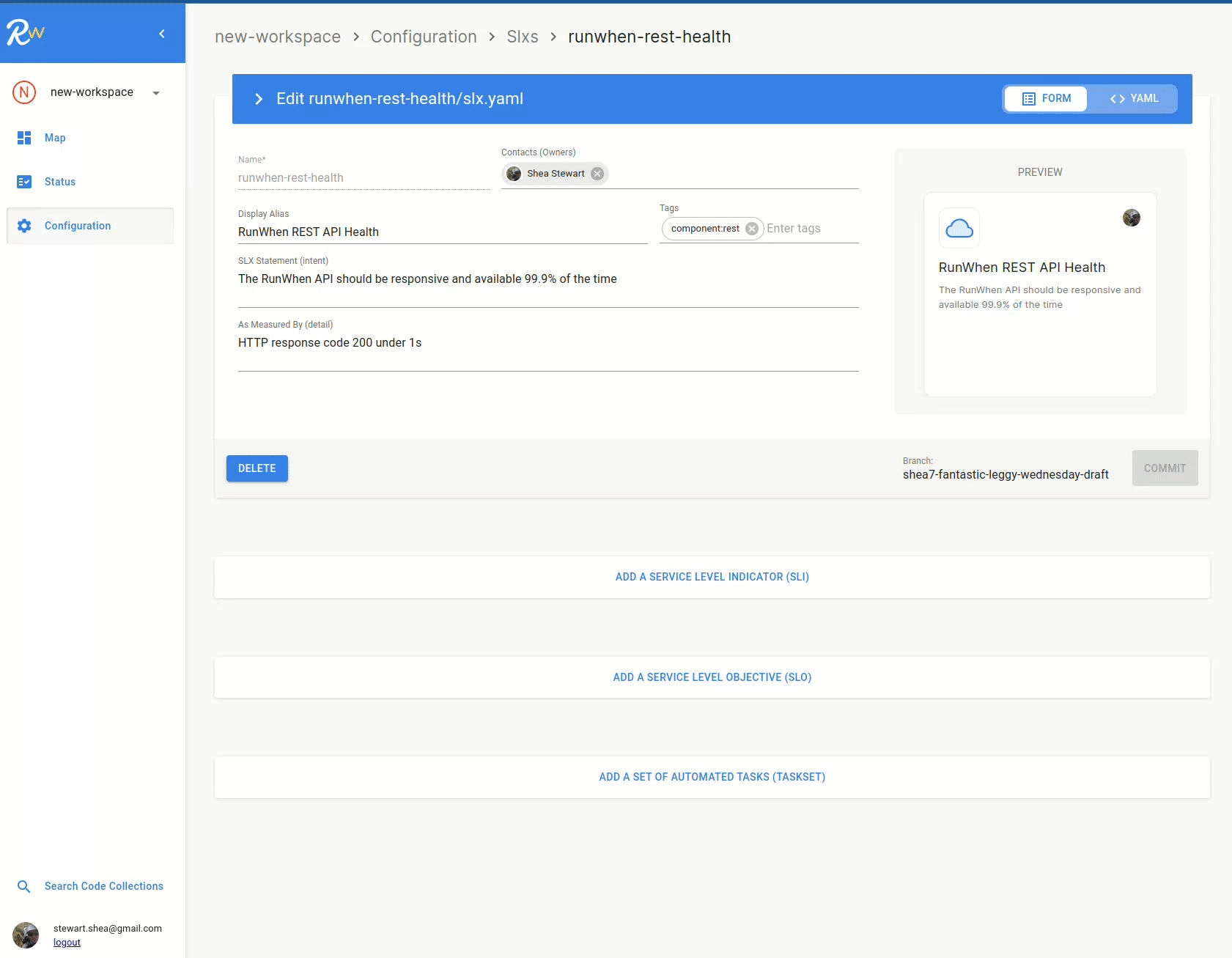
With the SLX configured, we can now add a Service Level Indicator. The SLI will produce a metric that is related to our SLX & it's statement.
To add an SLI, search the catalogue of open source integrations (called codebundles):
-
Select ADD A SERVICE LEVEL INDICATOR (SLI)
-
Click Find to search the catalogue
-
In the rw-cli-codecollection type "http" into the search bar
-
Click Select on the "curl-http-ok" card with the SLI tag
-
-
Select NEXT to configure the desired variables
-
Select NEXT through to the Runtime Configuration
-
Define the Display Units (Long and Short), and set the Location where this will run
-
Select COMMIT